Always-On-Advice
This platform brings an advisory firm’s client work into one place. It covers households and deals, account transfers from the client’s statement to funded accounts, the ACAT book, statement-based asset mapping, trade requests and the closeout checklist, and each role sees only what it should. The Transfer Tracker, the Statement Analyzer and Trade Request feed into it.
The build in numbers
- Four months
- June 29 to October 29, 2026
- 1,146
- merged pull requests, 1,087 of them mine
- 360
- production deploys, plus 671 to dev and 2,500+ green CI runs
- 137
- database migrations behind 77 models, 5 schemas, about 350 row-level-security policies and 45 triggers
- 62 pages
- 88 API routes and about 180,000 lines of TypeScript
- 918
- test files, about 170,000 lines, and 64 browser specs
I counted these from the production repository and its GitHub history on November 2, 2026.
Overview
This platform brings an advisory firm’s client work into one place. It covers households and deals, account transfers from the client’s statement to funded accounts, the ACAT book, statement-based asset mapping, trade requests and the closeout checklist, and each role sees only what it should. The Transfer Tracker, the Statement Analyzer and Trade Request feed into it.
The problem
What we knew about a household was spread across the CRM, a transfer spreadsheet, the custodian’s portal, chat threads and a handful of single-purpose tools. Nobody could follow one client from the signed deal to the funded account in one place, and each hand-off between tools was a chance to lose a detail.
What I built
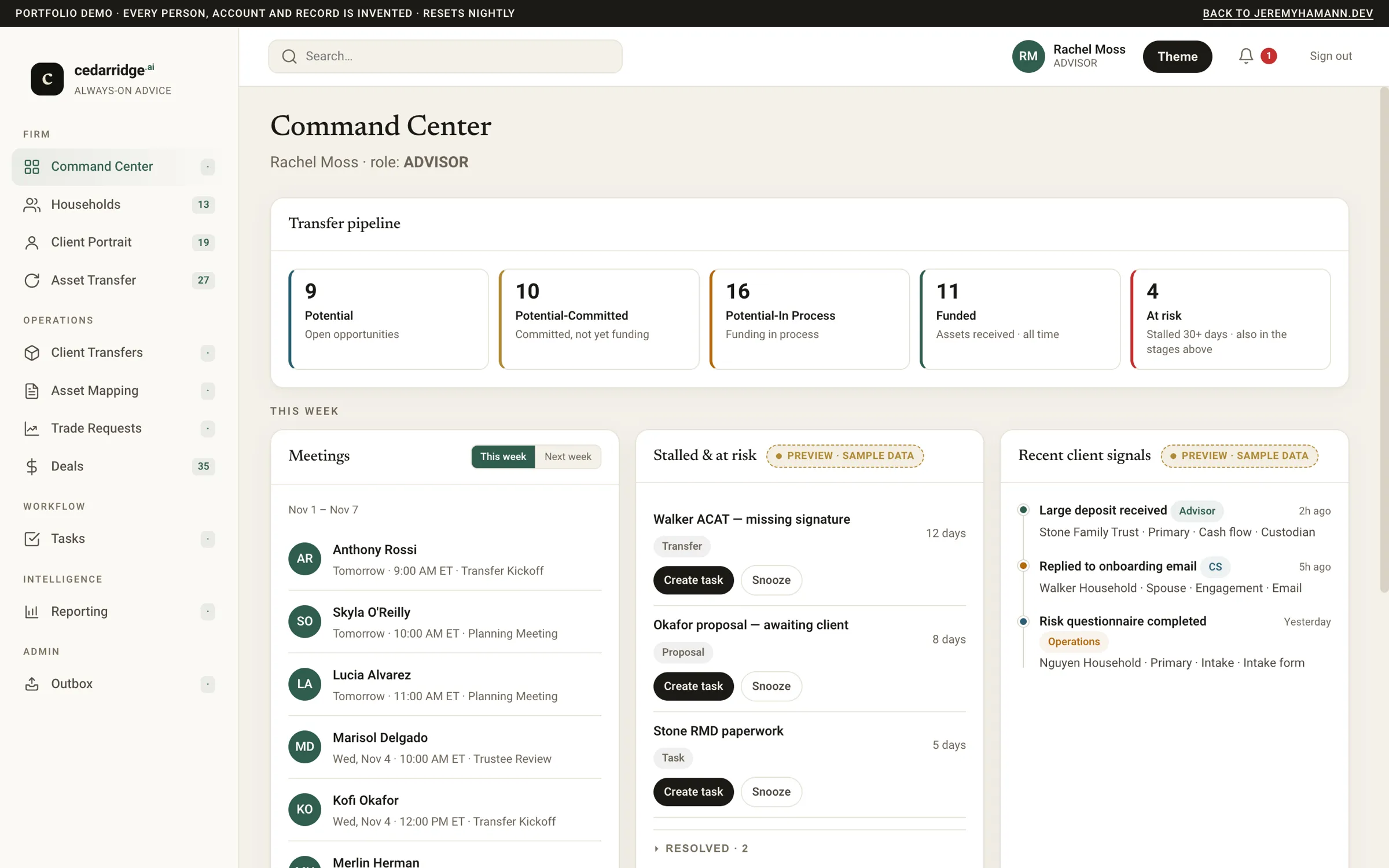
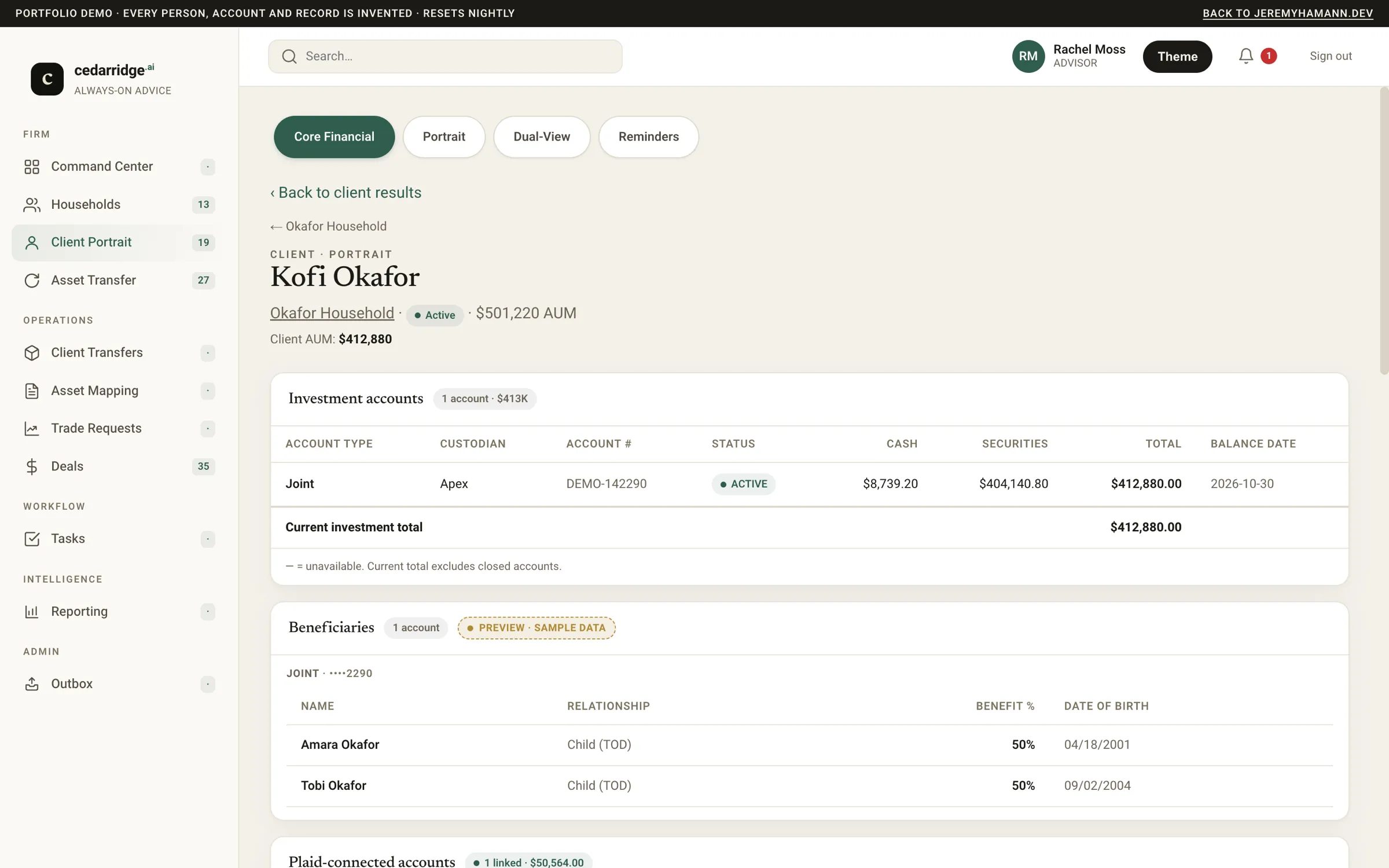
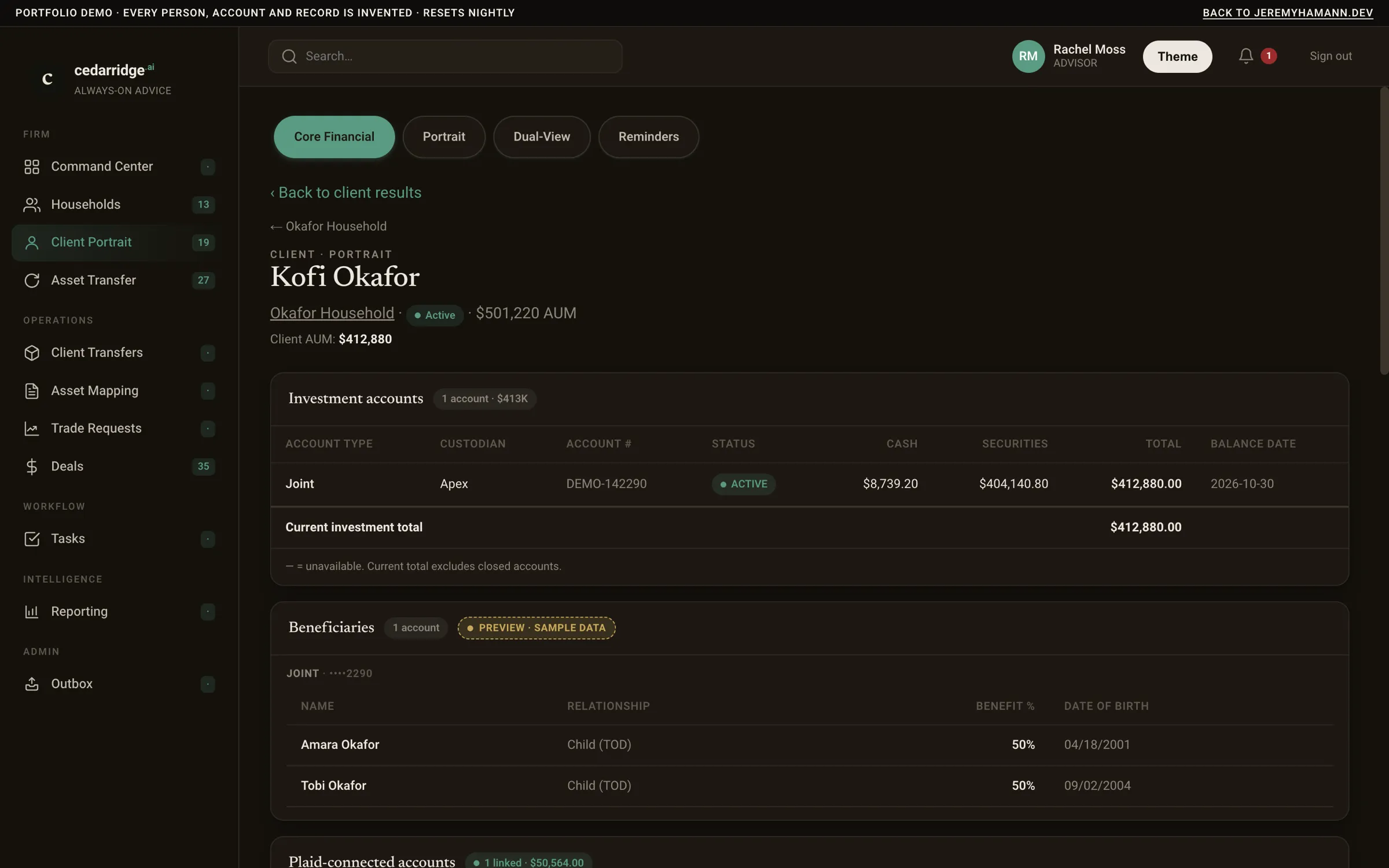
- A household and client directory sits on top of the CRM’s records, and each client’s accounts, AUM, beneficiaries and held-away accounts appear on one Client Portrait.
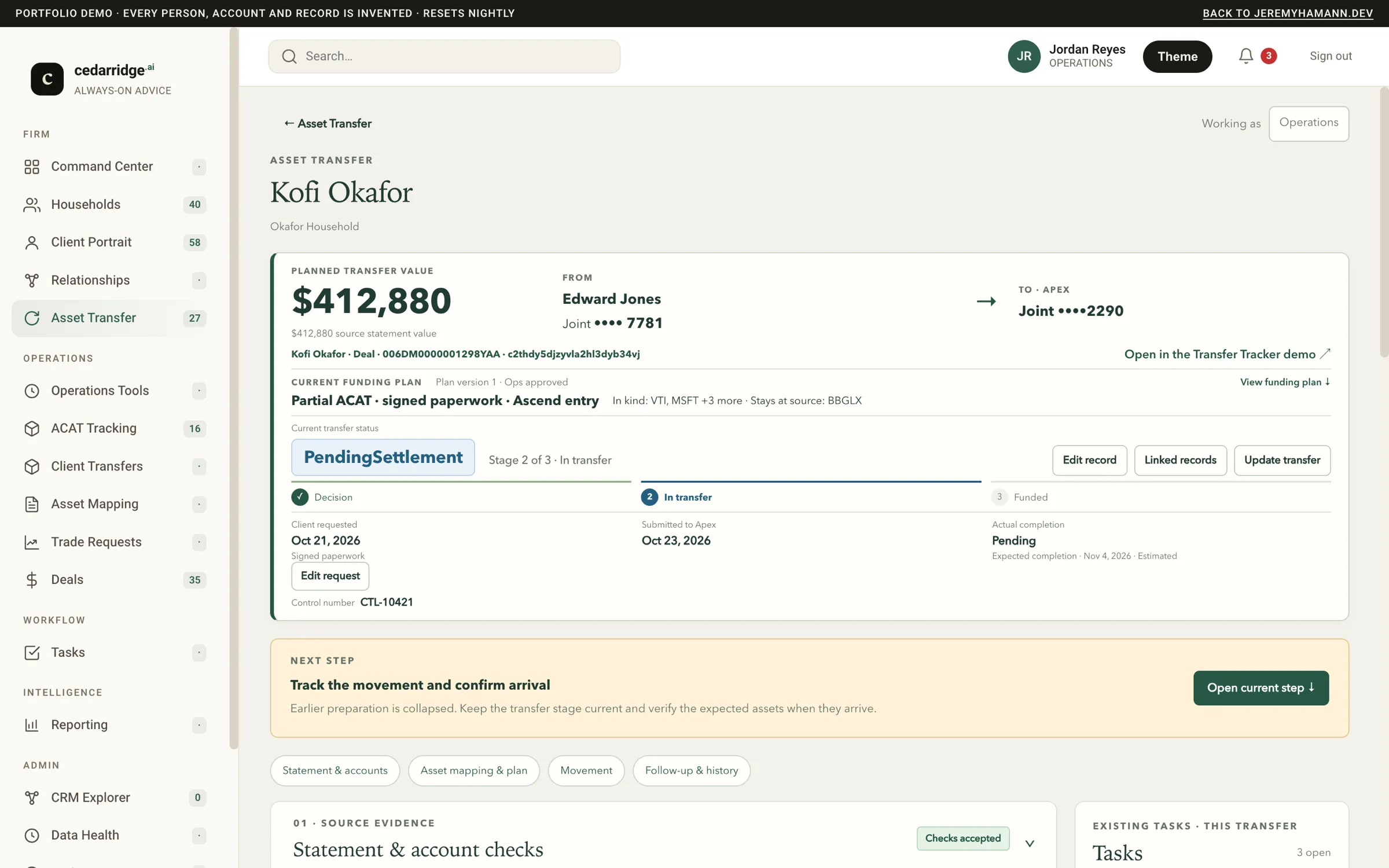
- A funding pipeline of deals opens the account transfer when a deal commits, so a transfer starts from the sale instead of a re-keyed form.
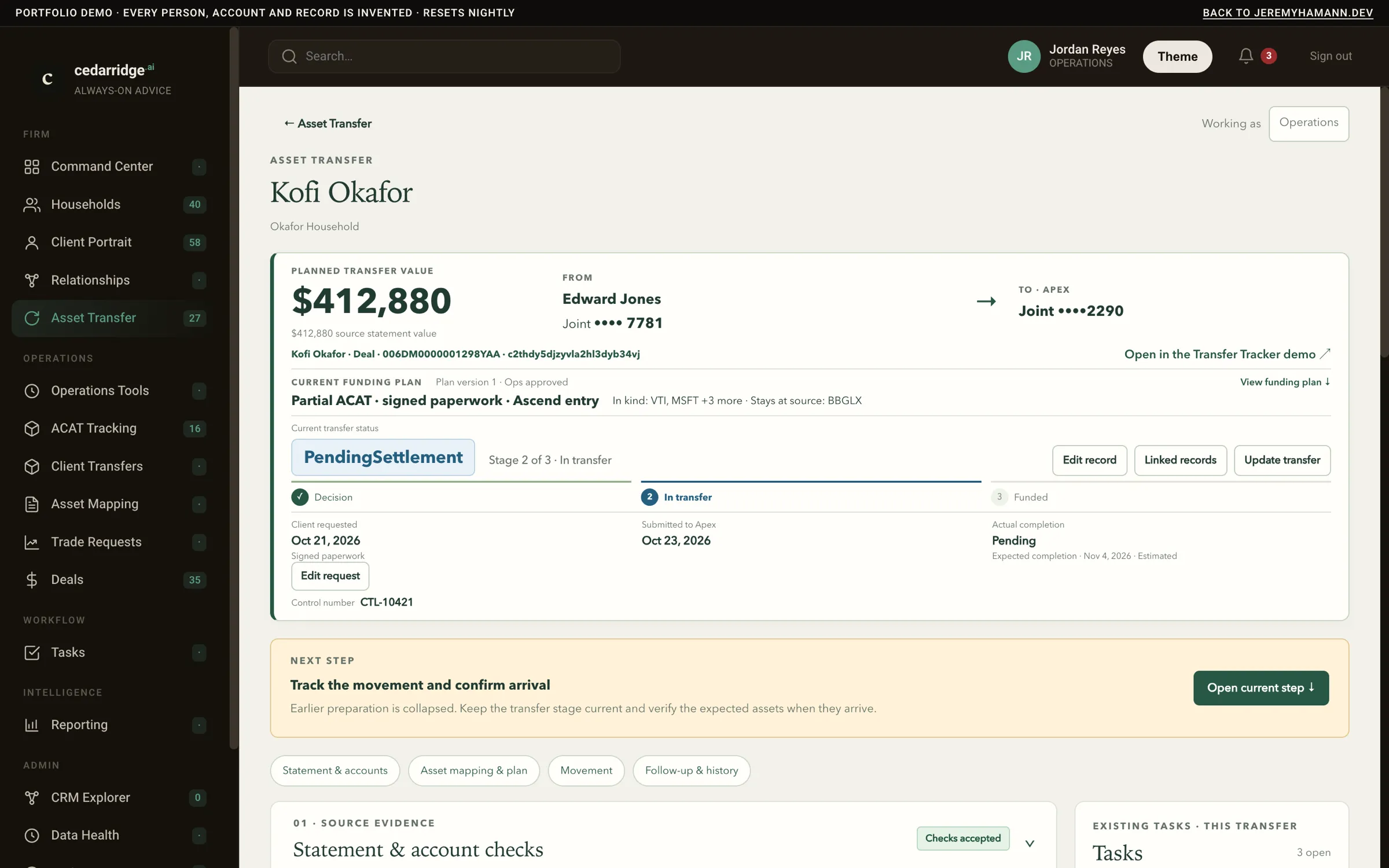
- Asset Transfer is a board that runs from decision to funded. Each transfer gets a funding plan built from the client’s statement, gates hold it until its checklist and paperwork are done, and it’s archived instead of deleted.
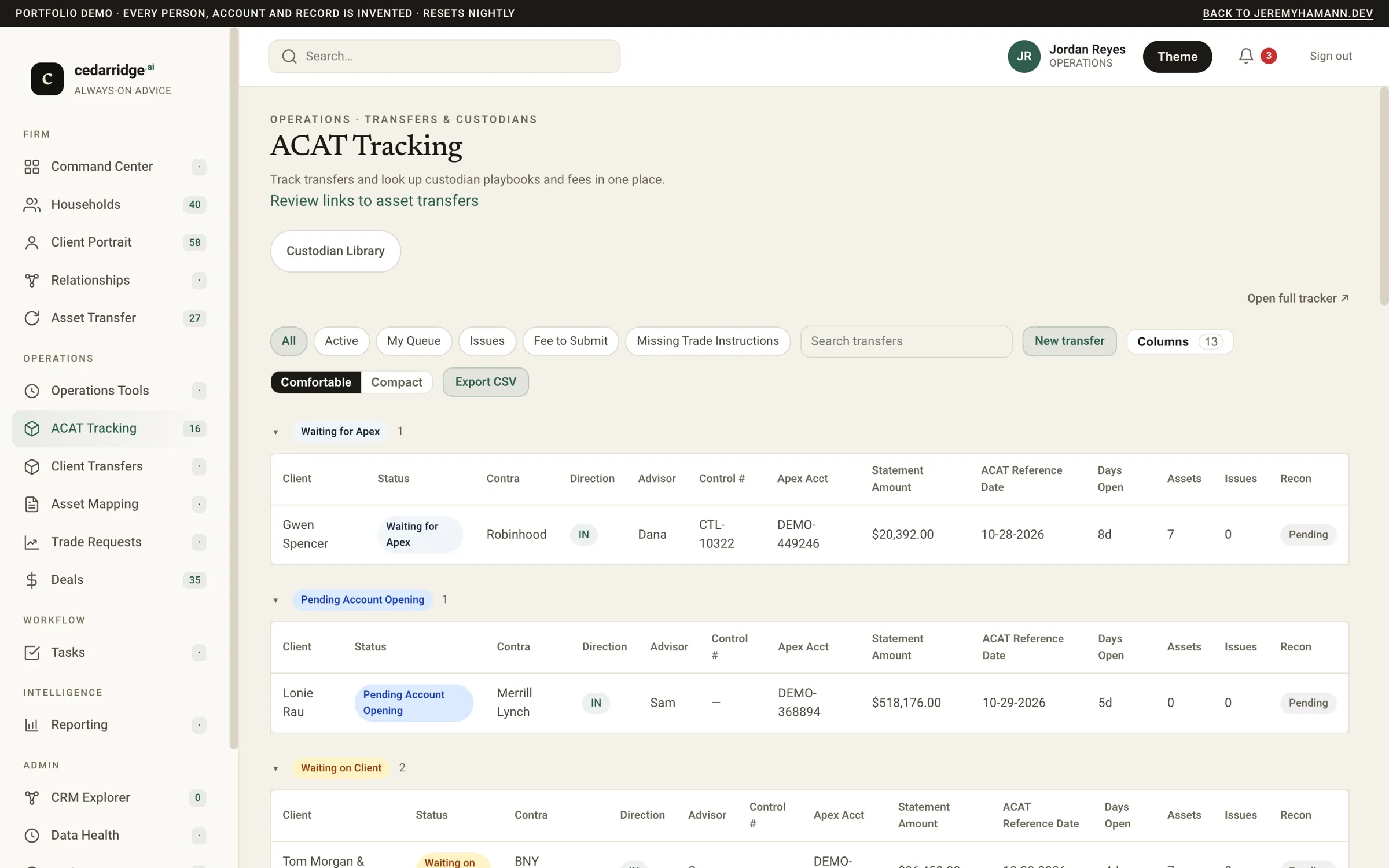
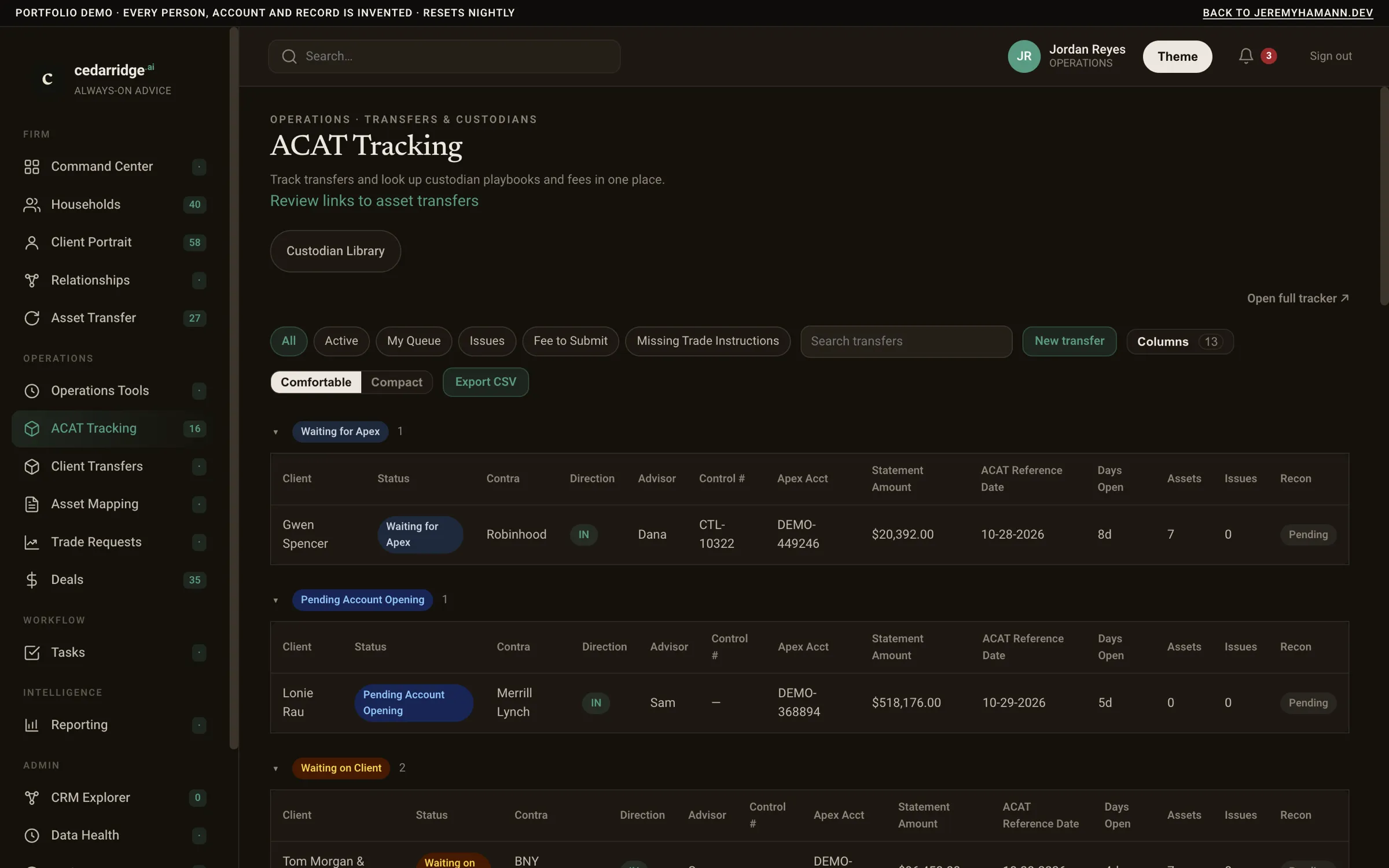
- The ACAT book is read live from the Transfer Tracker, with its fees and position reconciliation. The custodian library goes the other way, since this platform owns it and pushes it to the tracker.
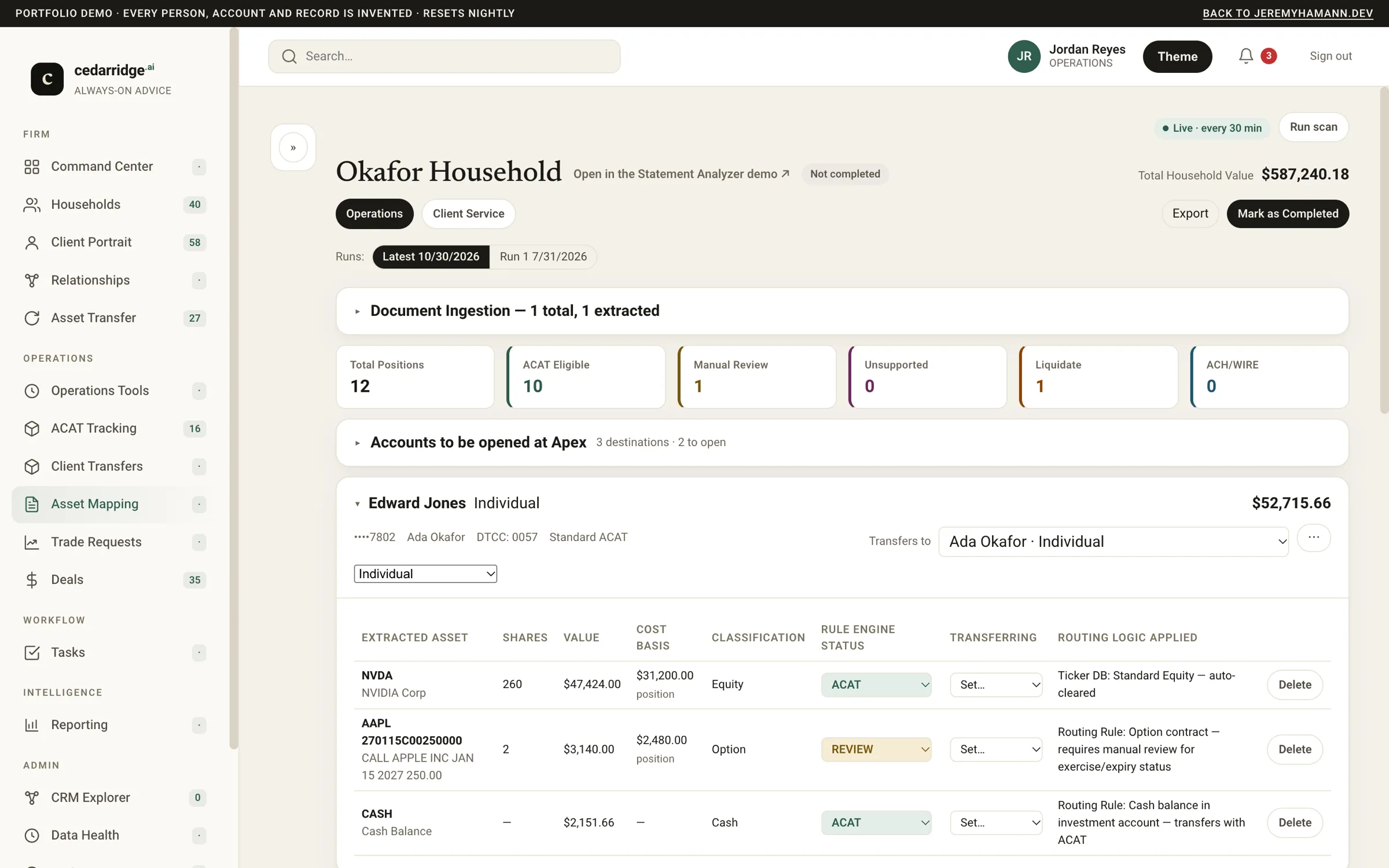
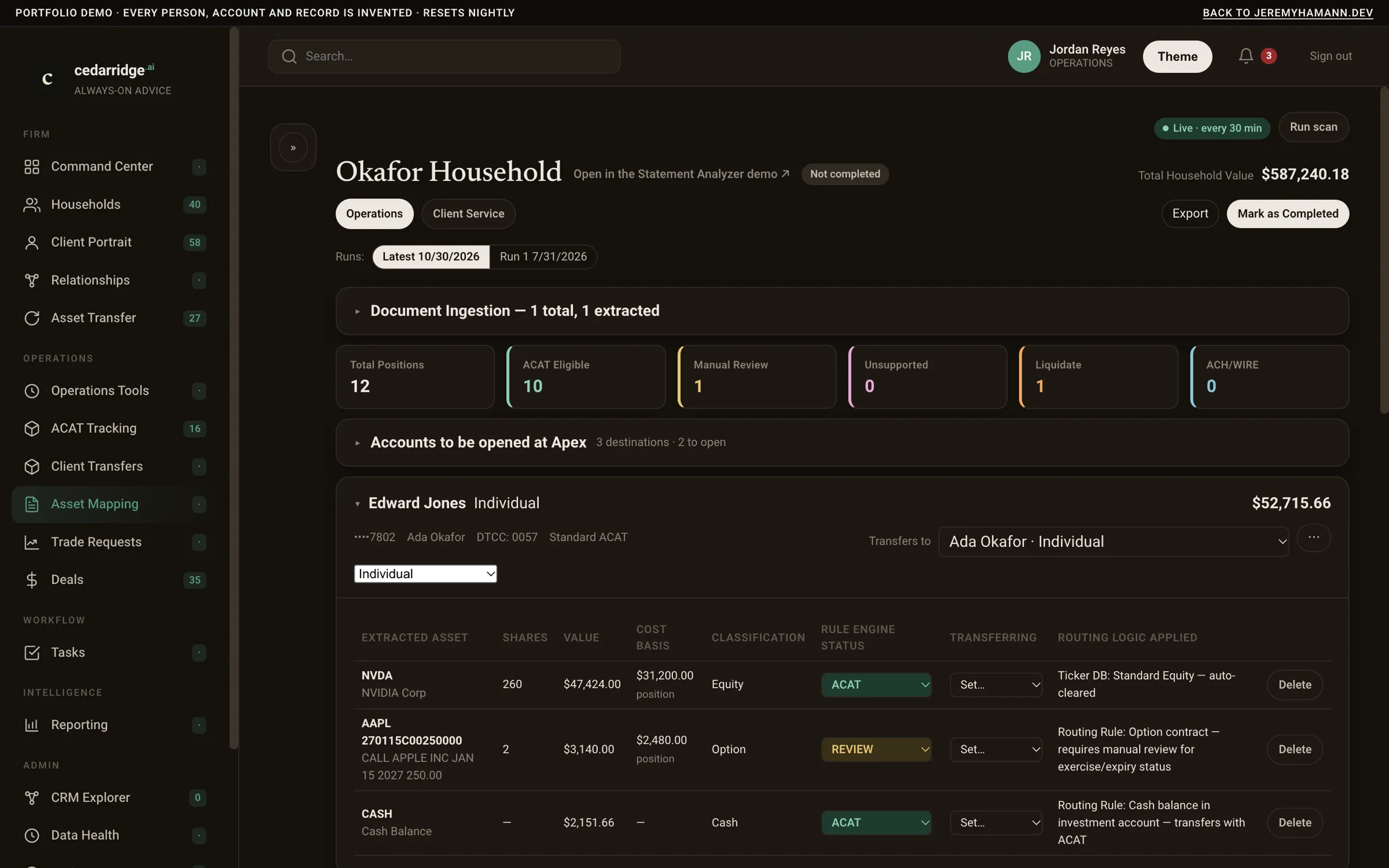
- Asset Mapping brings in the Statement Analyzer’s results for each household, which are reviewed here and linked to the client and transfer they belong to.
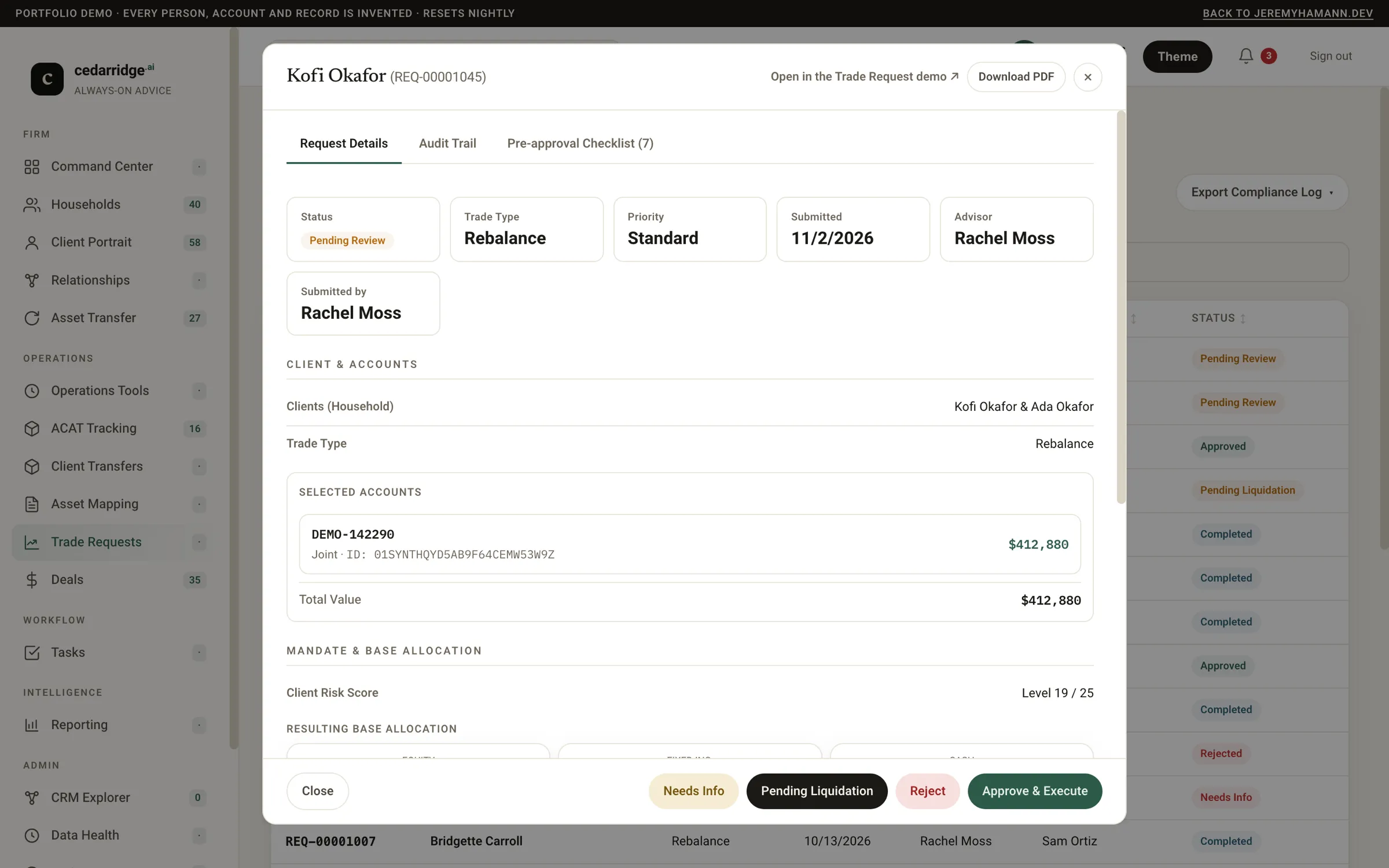
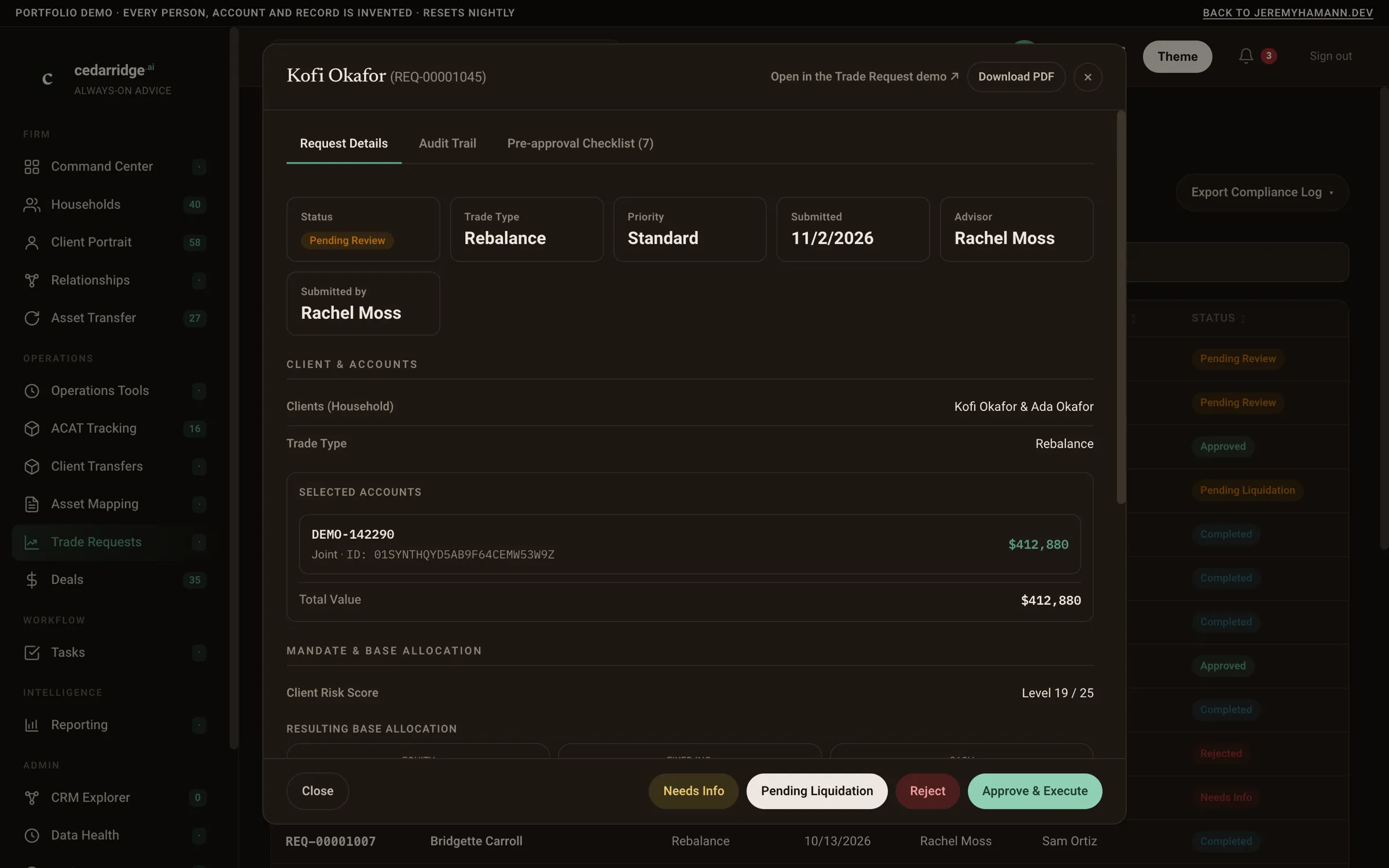
- Trade Requests are built into the platform, including the queue, approvals and audit trail. Each client’s risk score and instructions are drawn from approved requests.
- While a transfer is in flight, a closeout checklist runs in Slack and its status comes back to the transfer.
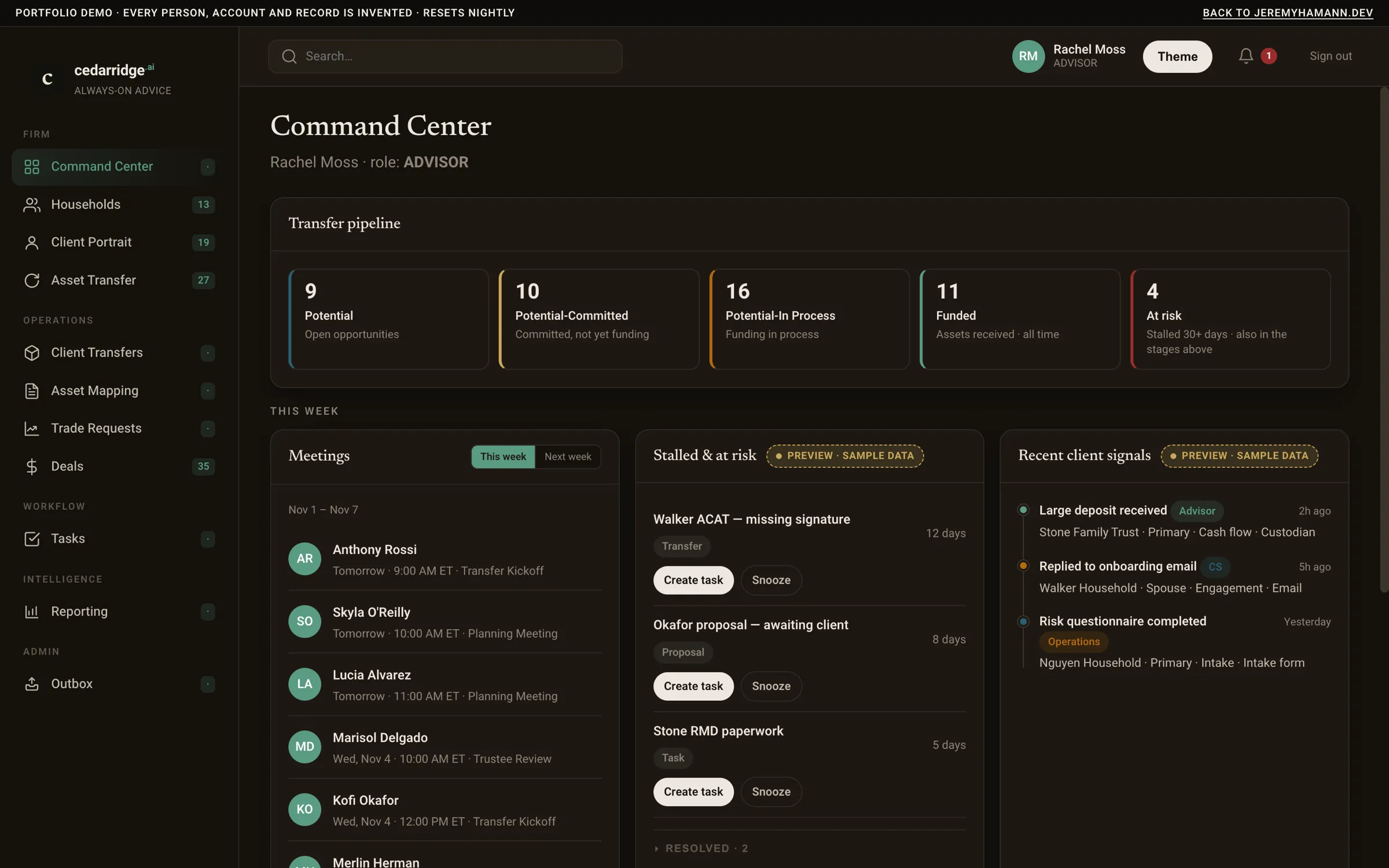
- The platform also has Command Center, search across the whole app, a central review queue, data-health checks, and an audit log of business events and every field change on deals and transfers.
In the app
Key decisions
Row-level security, not screen checks
Every query runs as a database role with the user’s role and book set on the connection, so a new screen can’t show an advisor another advisor’s client. There are about 350 policies, with tests that read the data as each role.
Read the other apps, don’t copy them
The ACAT book comes from the Transfer Tracker when it’s viewed, and only the links between records are stored here, so each fact has one system that owns it.
Audit in two layers
The app records each business event, and database triggers record every field change on deals and transfers, so the trail doesn’t depend on remembering to log.
Move the backend last
Trade Requests’ screens are native here, its records have been copied into this database, and there’s a backend that can serve them. In production that backend is still switched off, so the standalone service answers. The demo runs with it switched on.
Security and encryption
Every response is served over HTTPS with HSTS and a strict Content Security Policy. The app reaches its Postgres database over a private network, the database refuses any connection that isn’t encrypted, and Google Cloud encrypts the data and its backups at rest. Services sign in to each other with short-lived Google identity tokens, deploys use keyless workload identity, and secrets stay in Secret Manager rather than the code. Sensitive fields aren’t encrypted one by one; instead, row-level security in the database decides who can read them, internal client ids are withheld from everyone but operations and admins, and account numbers show only their last four digits. The demo keeps the same headers, row-level security and masking on invented data, and the Worker replaces each visitor’s IP address with a keyed hash before the app sees it.
Architecture
Next.js · TypeScript · Prisma · Postgres · Auth.js · Terraform
The demo
The demo runs the production app’s code on a fictional firm, with company sign-in replaced by four staff personas: an advisor with her own book, client service, operations and an admin. The Transfer Tracker, the statement pipeline and the data warehouse are replaced by stand-ins that answer in their real formats inside the container, and calls to Google are refused. Each household, transfer, statement and trade request links to the same record in the other live demos. Trade Requests runs on its in-app backend here, even though that backend is still switched off in production. Slack closeout checklists, trade-request messages and operations alerts land in an in-app Outbox instead of being sent. Uploads are off, and a sample statement stands in. Dual-View, which never ran in production, is on for the showcase households and says so. The data resets daily at 07:00 UTC.
See it running
Sign in as any demo user. Nothing you do leaves the demo, and it resets every day.